
Custom Article Image Templates
Create Your Own Custom Article Images – It's Easy!
Give your school website and eNews a fresh, professional look with our three new Canva design templates!
We've created three stylish, easy-to-use designs that allow you to create a beautiful, coordinated set of article images for your school.
No design experience needed! Simply choose a theme, add your school logo and colours, customise the headings, and you're ready to go!
Choose Your Favourite Design
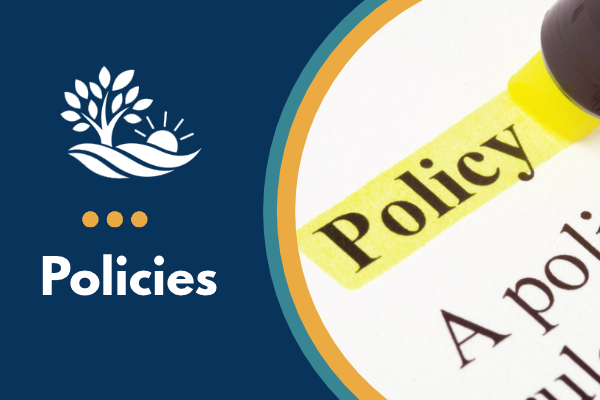
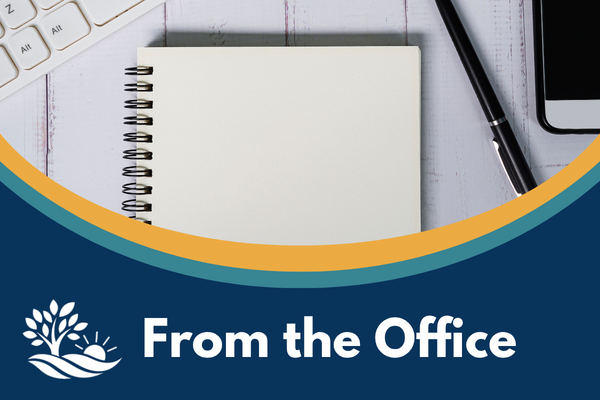
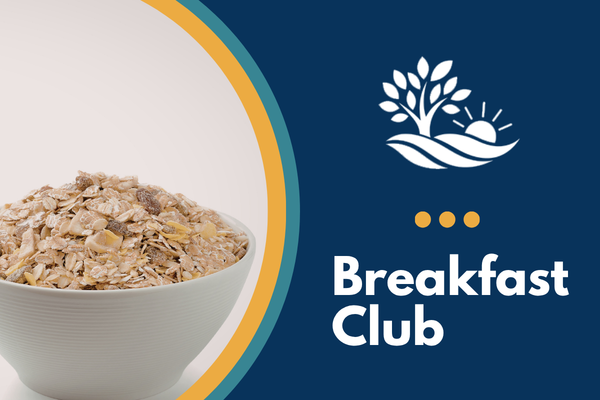
Theme 1 – Curved Articles
A soft, modern design featuring curved shapes and photos for a fresh, welcoming look.
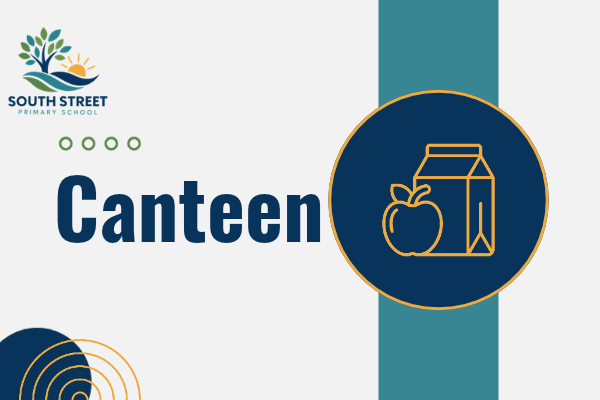
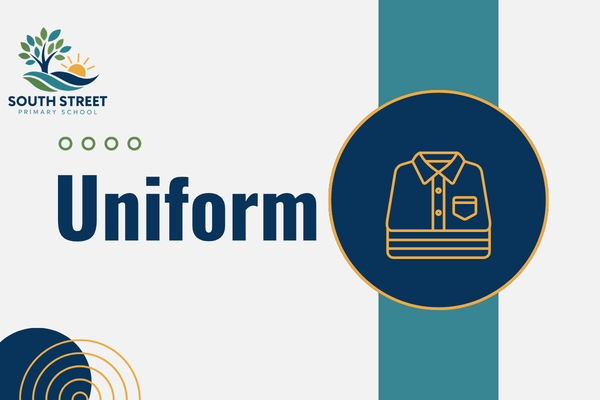
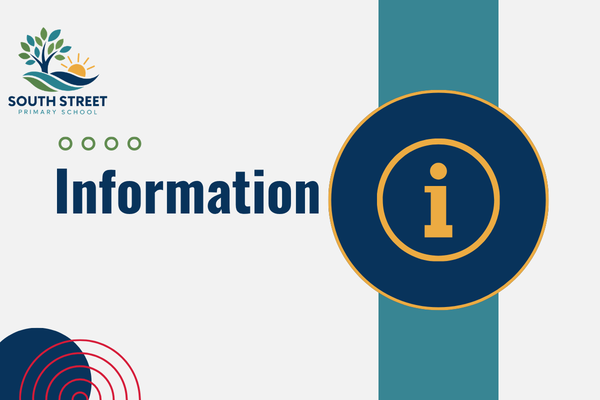
Theme 2 – Icon Articles
A clean, colourful design featuring customisable icons that can be recoloured to match your school's branding.
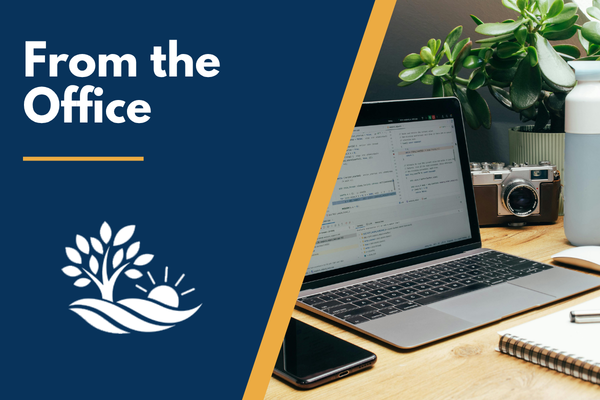
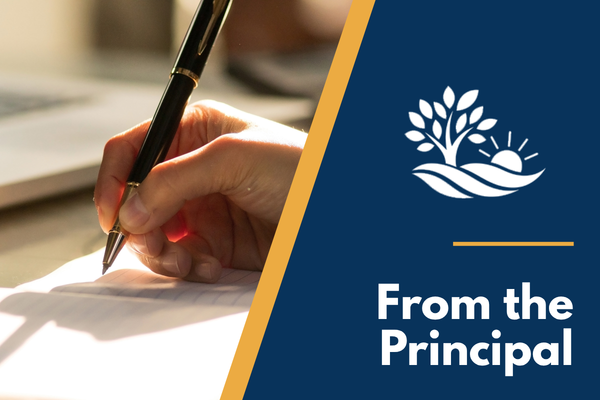
Theme 3 – Angled Articles
A bold, contemporary design combining photos and angled shapes for an eye-catching finish.

What's next?
- Choose your design theme: Browse the designs and complete the form at the bottom of this page to request your Canva template link.
- Make it your own: Follow our step-by-step cheat sheet or video tutorial to personalise your design with your school logo, colours, headings and photos or icons.
- Save and reuse: Download your finished graphics for your website or eNews, and keep your Canva template ready for next time.
Create Once, Use Again and Again!
Once you've customised your template, creating new article images couldn't be easier! Simply duplicate an existing design, update the heading, photo or icon, and download.
Perfect for school news, upcoming events, excursions, celebrations, reminders and more!
The result? A professional, consistent collection of article images that reflects your school's unique identity – without spending hours designing them.
Support Material
Follow the video tutorial or cheat sheet while you create your own custom set!
Editing the Custom Article Template in Canva
Ready to Get Creative?
Complete the form below to request your Canva template link and get started!
Custom Article Template Request
© Copyright 2024 Updat-ed